Marksmith Pro Android
A companion app for marking on the go. Take your mark schemes and comment banks with you and mark from your phone — during lessons, on the bus, wherever works.
Smoother Desktop–Phone Handoff
Class files transfer more reliably between the desktop and Android app. Comment banks arrive intact, marks import back cleanly, and the whole export–mark–sync loop has fewer rough edges. If previous versions gave you trouble with file transfers, this update fixes it.
The Problem
You've set up your projects on the desktop app. Your mark schemes are dialled in, your comment banks are ready, and marking is quick. But then you want to mark during a lesson, or on the bus home, or in the five minutes before break ends — and you don't have your laptop.
That's what the Android app is for. It lets you take your marking setup with you and mark from your phone, using the same mark schemes and comments you already built on the desktop.
How It Works
-
1
Set Up on Desktop
Create your projects, classes, mark schemes, and comment banks in the Windows desktop app as normal. This is where you do the initial setup.
-
2
Export Class Files
Export
.marksmith-classfiles from the desktop app. Save them to OneDrive, Google Drive, email them to yourself, or use any cloud storage you like. -
3
Open on Your Phone
Open the class file on your phone and start marking. You get the same mark schemes, the same comment banks, the same workflow — just on a smaller screen.
-
4
Export When Done
Email the PDF directly from your phone for printing, or export the marks back to the desktop app to keep everything in sync.
What It Looks Like
Same marking workflow, designed for a phone screen. Click any image to enlarge.
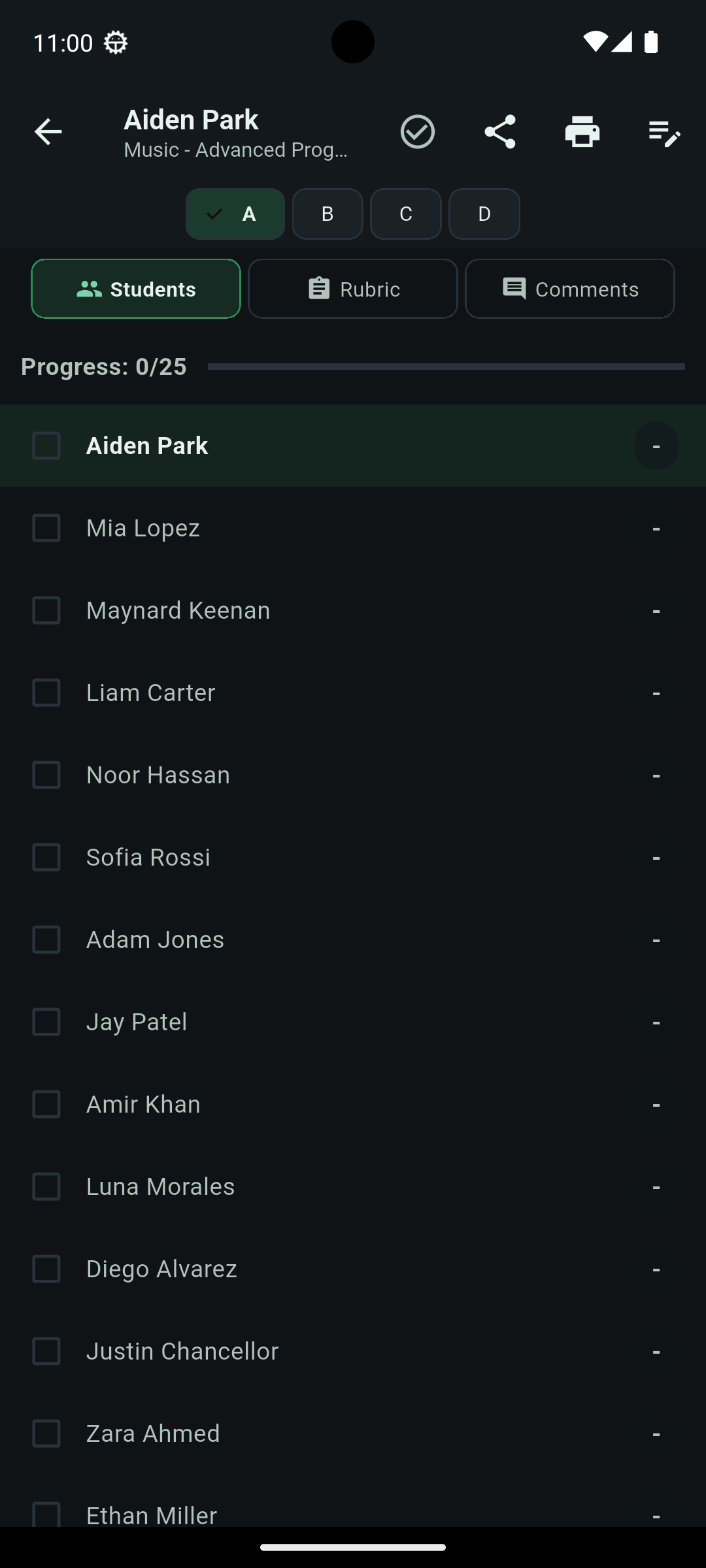
Student List
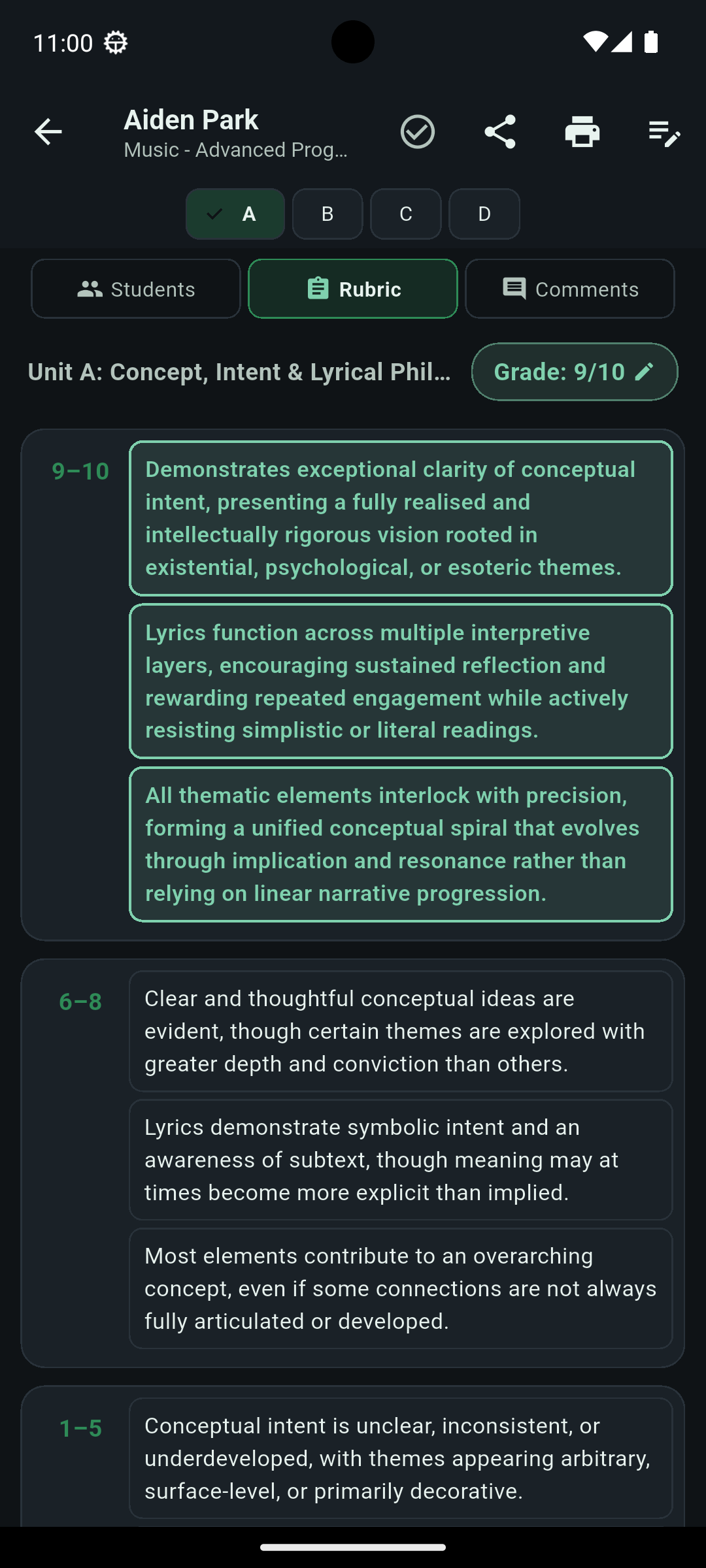
Marking Grid
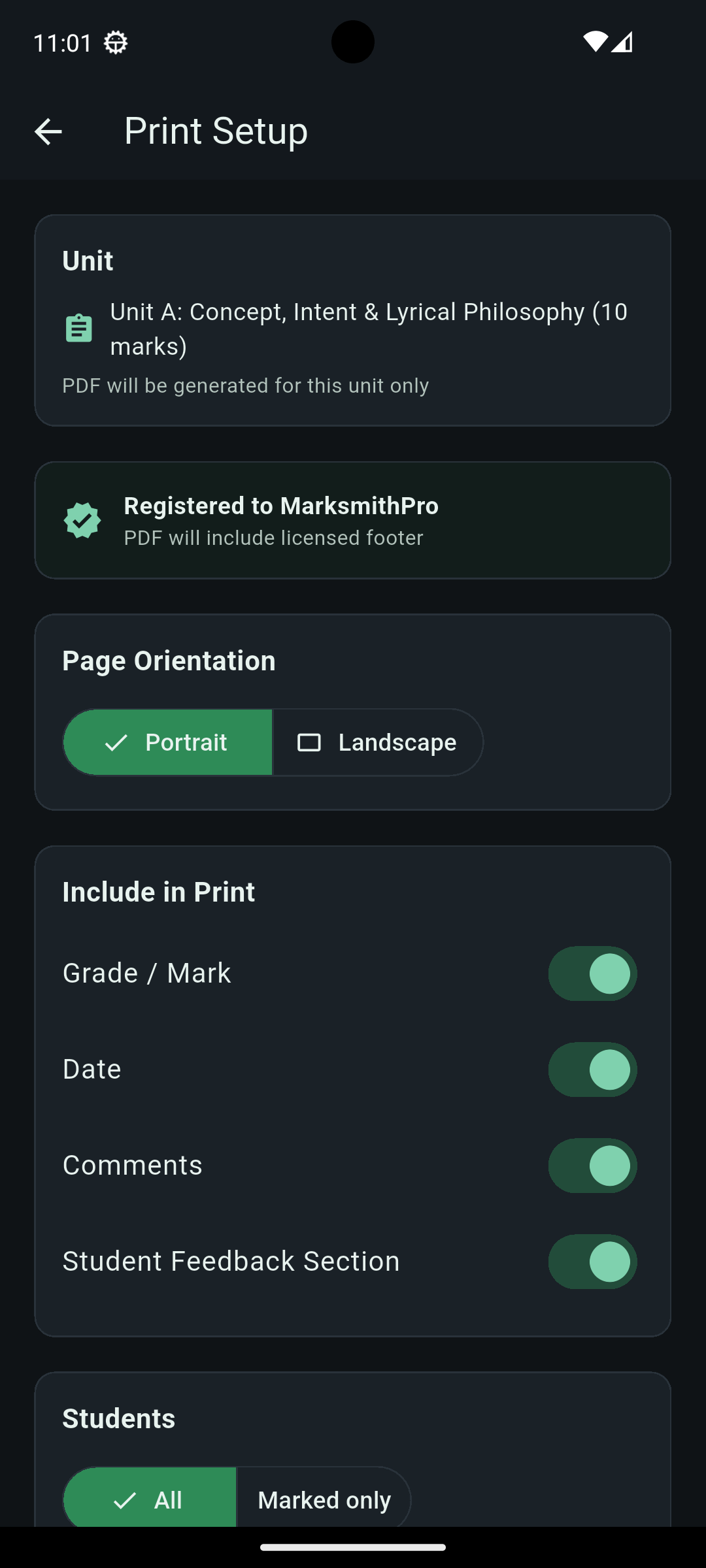
Print Setup
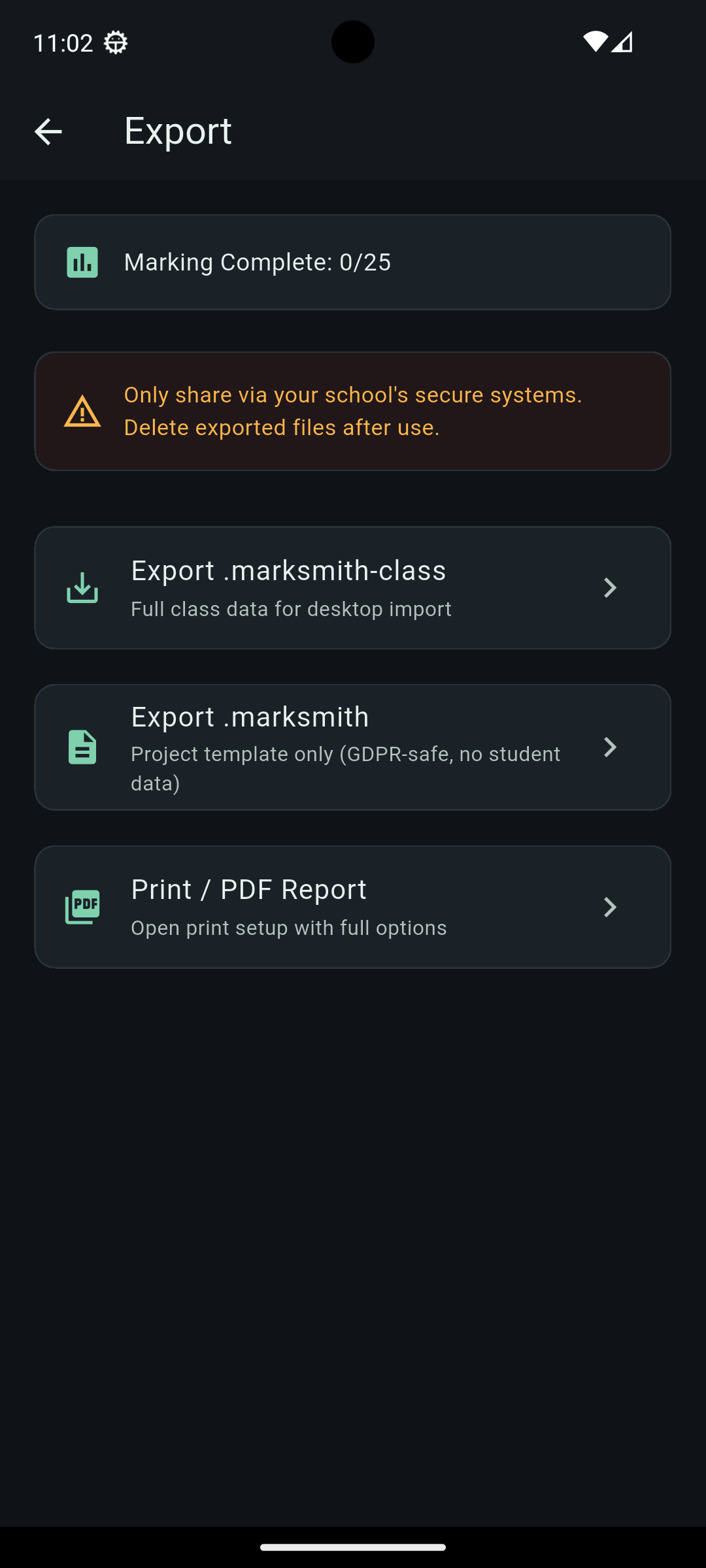
Export Options
What You Get
Full Marking Features
- Open class files from the desktop app
- Mark students using mark schemes
- Select comments from your comment banks
- Export marks back to the desktop app
Everything you need to mark on the go — no license required.
PDF Generation & Printing
- Generate PDFs directly on your phone
- Email PDFs for printing
- Professional output with your name
- Same license as the desktop app
Uses the same license you already have. No extra purchase needed.
Download for Android
Requires: Android 10 or later
File size: ~53 MB
About Licensing
The Android app uses the same license as the desktop app. If you've already purchased a license, enter the same code in the app's settings. No need to buy anything separately.
Don't have a license yet? The app works free for marking — you only need a license for PDF generation. More about licensing.
Questions?
Need help setting up the Android app or transferring files? Get in touch.